How to Link Health Records to ABHA in India (Step-by-Step)
ABHA makes it possible to connect your medical reports across hospitals and labs — but only if they’re linked correctly. Here’s a practical, India‑first guide to link health records to ABHA, understand consent, and share reports safely.
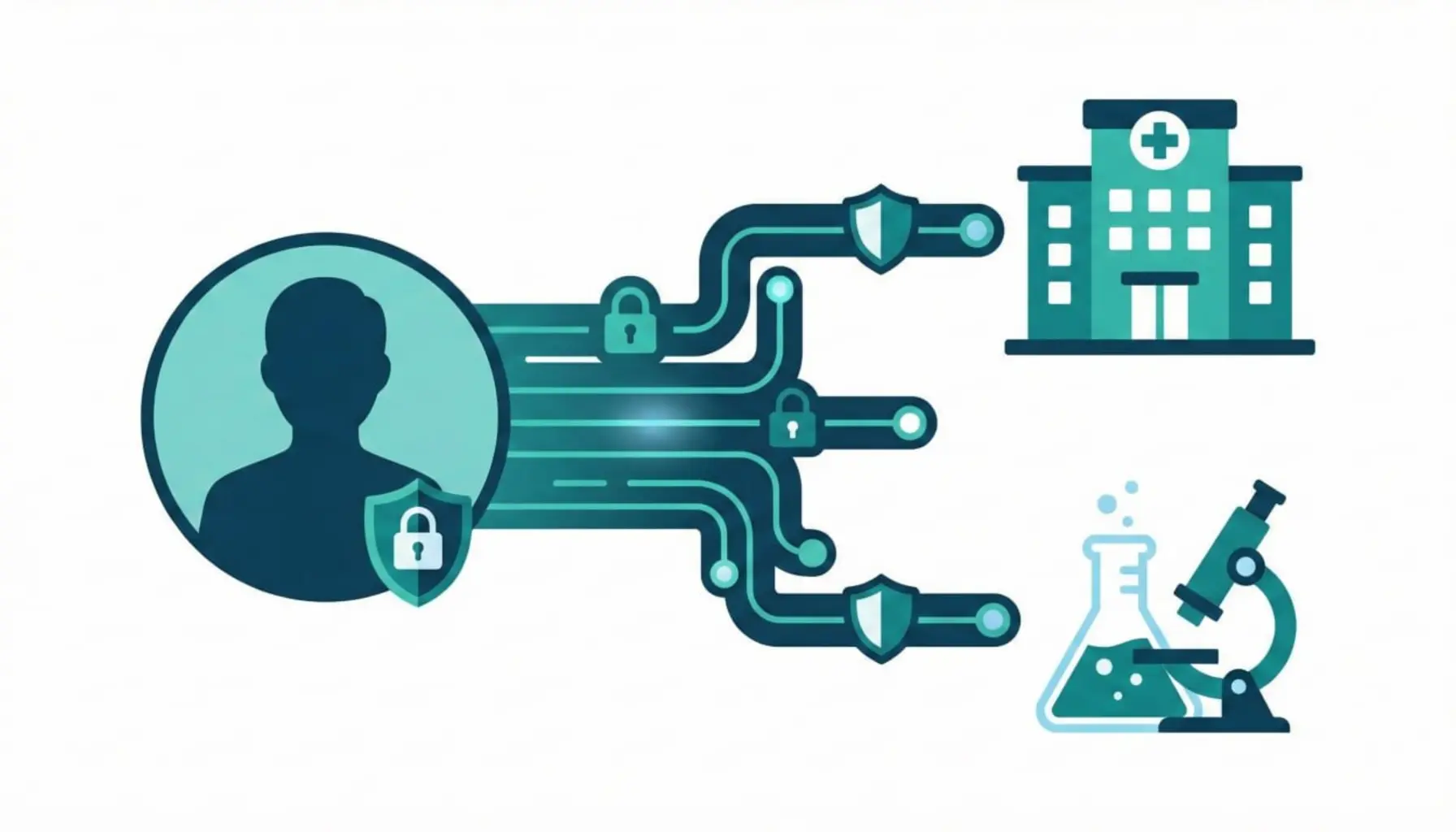
If you’re searching for “link health records to ABHA,” you’re probably trying to solve a real problem: a lab report stuck in one app, a hospital discharge summary sitting in email, and a doctor asking for everything on one visit. India’s ABHA (Ayushman Bharat Health Account) was created to fix this fragmentation — but the system only works when records are actually linked and consent is managed correctly.
In simple words, linking health records to ABHA means connecting your digital medical documents to your unique ABHA number so they can be accessed in the ABDM (Ayushman Bharat Digital Mission) ecosystem. It does not mean your data is public. It means you can choose who sees your records and for how long.
This guide walks through the full process: prerequisites, how the ABHA consent flow works, step‑by‑step linking options (hospital, lab, or health locker), and common issues. We’ll also show how to keep your records private, how to link family records, and what to do if a hospital isn’t ABDM‑enabled yet.
What does linking health records to ABHA actually mean?
Think of ABHA as your unique health ID. Your reports — prescriptions, lab results, imaging summaries, discharge notes — can be associated with this ID if they are stored in an ABDM‑enabled system. Linking creates a relationship between:
- You (ABHA holder): the person whose health records are being linked.
- Health Information Provider (HIP): the hospital, clinic, or lab that holds your record.
- Health Information User (HIU): the doctor or facility requesting access, with your consent.
- Consent Manager: the ABDM layer that records and enforces your consent.
Once linked, you can view and share records from multiple sources in one place — often through a health locker app. The key is that you control consent. That’s the heart of ABDM and ABHA.
Prerequisites before you link records
Before linking, make sure these basics are in place. If any are missing, the linking process may fail or show “no records found.”
| Requirement | Why it matters | How to check |
|---|---|---|
| Active ABHA number | Your ABHA is the primary ID for linking | Create one via our ABHA guide or official portal |
| Verified mobile number | Consent is often OTP‑based | Ensure your ABHA has a verified phone number |
| Digital records | Only digital records can be linked | Ask your hospital or lab if they provide digital reports |
| ABDM‑enabled provider | Provider must be connected to ABDM | Check if hospital/lab supports ABHA linking |
| Health locker app (optional) | Helps you view and manage linked records | Choose a trusted ABDM‑approved app |
If you haven’t digitized your records yet, start here: How to store medical records digitally in India. Linking becomes much easier once your files are digital and organized.
How ABHA consent works (simple explanation)
ABDM is designed so that you own your data. That’s why consent is mandatory. When a doctor or hospital requests access, you will receive a consent request — usually via OTP or app notification. You decide:
- Which records can be accessed
- For how long the access is valid
- Which provider can access them
Once consent is approved, the HIU (doctor/hospital) can access the records for that time window. After it expires, access is revoked automatically. This is a major improvement over WhatsApp or email, where you lose control after sharing a file.
Three ways to link health records to ABHA
There isn’t just one method. Linking depends on where your records are stored. In India, you’ll typically link in one of three ways:
| Method | Best for | What happens |
|---|---|---|
| At a hospital/clinic | Hospital visits, discharge summaries | The hospital links your visit records to ABHA after verifying your ID |
| At a lab | Blood tests, imaging reports | The lab connects reports to your ABHA with consent |
| Via a health locker app | Central view of multiple records | You pull in linked records from different providers |
Let’s walk through each flow so you can choose what works for you.
Step‑by‑step: Linking records at a hospital or clinic
This is the most common method if the hospital is ABDM‑enabled. The flow looks like this:
- Tell the hospital you want ABHA linking. At registration or billing, ask if they support ABHA linking/ABDM.
- Provide your ABHA number. You may share the number or QR code.
- Verify via OTP. The hospital sends an OTP to your registered mobile.
- Approve consent. You approve the consent request, specifying which records can be linked.
- Confirmation. The record is linked and available for viewing in your chosen health locker.
If you visit the same hospital again, future reports can be linked faster because your ABHA is already associated.
Step‑by‑step: Linking records at a lab or diagnostic center
For lab tests (CBC, HbA1c, lipid profile, thyroid, imaging), labs can link results directly if they are ABDM‑integrated. The steps are similar:
- Ask the lab if they support ABHA linking. Many large chains are onboarding.
- Give ABHA number or QR code at booking.
- Confirm OTP and consent. You’ll receive a consent request on your ABHA‑linked mobile.
- Report gets linked automatically. Once the report is generated, it appears in your health locker.
This can be a huge time saver. Your doctor can see trends without you hunting for PDFs. For deeper understanding of lab reports, bookmark our pillar guide: How to Read Your Blood Test Report (India).
Step‑by‑step: Linking records through a health locker app
Health locker apps are designed to aggregate records from multiple sources in one place. The flow usually looks like this:
- Sign in with ABHA. The app verifies your ABHA using OTP.
- Discover linked records. The app fetches records from ABDM‑connected providers.
- Grant consent if required. You approve any pending consent requests.
- Organize and view. Records appear in your locker dashboard.
A health locker gives you structure — prescriptions, labs, imaging, discharge summaries — instead of random PDFs. If you’re comparing options, see Best Health Locker Apps in India (2026).
What if no records appear after linking?
This is one of the most common frustrations. The most likely reasons:
- The provider isn’t ABDM‑enabled yet. Many hospitals are still onboarding.
- Records were never digitized. Paper files can’t appear automatically.
- ABHA not used at registration. If you didn’t provide ABHA at the time of visit, the record may not be linked.
- Consent not granted. If consent wasn’t approved, records won’t show.
The fix is simple: ask the provider if they can link your past digital records to ABHA. Some hospitals can do a retrospective link if they still have your data in their system.
Privacy & security: why linking is safer than WhatsApp
Most Indians still send medical reports on WhatsApp because it’s fast. But it creates long‑term privacy risk — files can be forwarded, downloaded, or stored in unprotected places. ABHA linking is safer because:
- Consent is explicit: you decide who gets access.
- Access is time‑bound: sharing expires automatically.
- Records are traceable: you know which provider accessed them.
ABDM is built around consent by design. This is a big cultural shift for Indian healthcare, and it only works when patients understand their control. If privacy matters to you, a health locker with strong encryption is the best companion to ABHA.
- Is the requester a legitimate hospital or doctor you recognize?
- Are they asking for only the relevant records (not your entire history)?
- Is the consent duration reasonable (hours or days, not months)?
- Can you revoke access if you change your mind?
Linking family health records to ABHA
Indian families often manage health for parents, kids, or elders. Each person should have their own ABHA. The linking process is similar, but a few tips make it easier:
- Create ABHA for each family member. Don’t use one ABHA for everyone.
- Use a caregiver setup. Some lockers allow caregiver access so you can manage records for parents.
- Label records clearly. Mis‑sharing between family members is a real risk.
For a full family workflow, see our upcoming guide: Family health records: how to manage for parents & kids.
How to link older paper records (when possible)
ABHA linking works best for digital records generated by ABDM‑enabled providers. But what about old paper reports?
- Digitize the records first. Scan and save as PDF (clear, legible).
- Organize with a naming system. Use dates and test names for searchability.
- Upload to a health locker. While these might not become “ABDM‑linked,” they stay in your digital archive.
In short: paper records won’t magically appear in ABHA. But you can still digitize them and keep them alongside linked records for a complete health timeline.
Common mistakes while linking ABHA records
- Using the wrong ABHA number. Many people confuse ABHA with other IDs.
- Skipping consent approvals. If consent isn’t approved, records won’t show.
- Expecting every hospital to be connected. ABDM rollout is ongoing.
- Mixing family records. Always use separate ABHA accounts.
- Oversharing records. Share only what the doctor needs.
Why linking records to ABHA is worth it
When done right, ABHA linking saves time, improves care, and reduces repeat tests. Some real‑world benefits:
- Faster consultations: Doctors see your history in one view.
- Better chronic care: Trends in BP, sugar, or cholesterol are visible across years.
- Emergency readiness: Key records can be shared quickly.
- Cleaner insurance claims: Digital reports reduce missing paperwork.
For a deeper list of advantages, read: ABHA Card Benefits You Should Know.
Quick checklist to link your ABHA records
- Create and verify your ABHA (mobile number linked)
- Confirm your hospital/lab is ABDM‑enabled
- Provide ABHA number or QR code at registration
- Approve consent via OTP/app
- Open your health locker to view linked records
- Repeat for each provider and family member
Continue learning
New to ABHA? Start with our step‑by‑step guide: What is ABHA Card & How to Create. For storage and organization, read How to store medical records digitally in India. And if you’re choosing a health locker, our comparison list can help: Best Health Locker Apps in India (2026). You can always browse the Privexa Blog index for more guides.
Sources & References
FAQs
What does it mean to link health records to ABHA?
Linking health records to ABHA means connecting your digital medical reports to your ABHA number so you can access and share them within the ABDM ecosystem, with consent.
Can I link old medical records to ABHA?
Only digital records held by ABDM‑enabled providers can be linked. Paper records should be digitized and stored in a health locker for personal use.
Why can’t I see records after linking my ABHA?
If the hospital or lab isn’t ABDM‑enabled yet, the records won’t appear. Also check whether consent was approved.
Is linking health records to ABHA mandatory?
No. Linking is voluntary. You control what to link and who can access it.
Is ABHA linking safe and private?
ABDM is consent‑based. You decide what to share, with whom, and for how long. Always review consent requests before approving.
Which app should I use to link ABHA records?
Use an ABDM‑enabled health locker or ABHA‑compatible app that clearly explains privacy and consent. Choose one that lets you export your records if needed.